
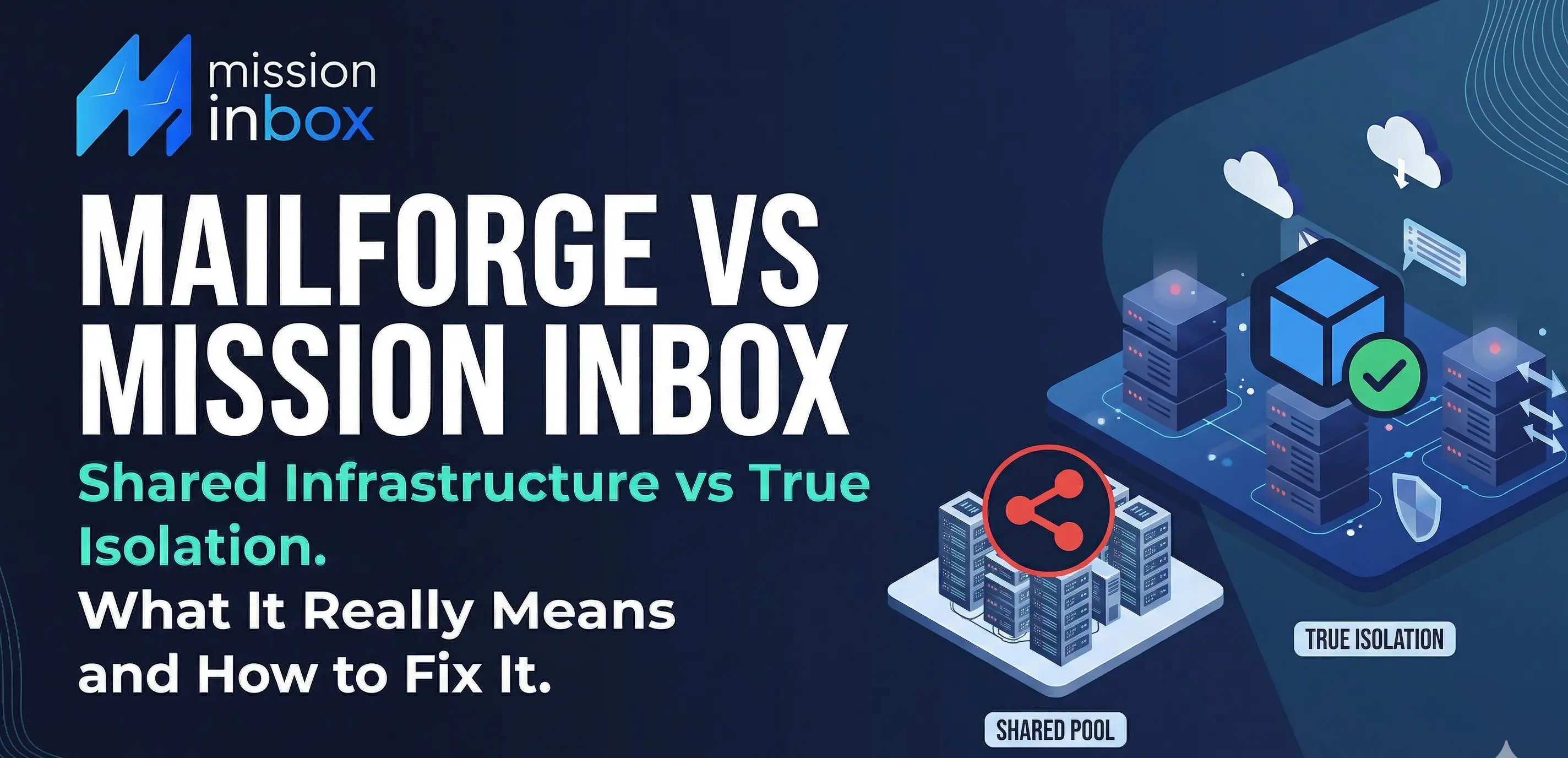

They Reviewed Us. Now Here Is the Full Picture.
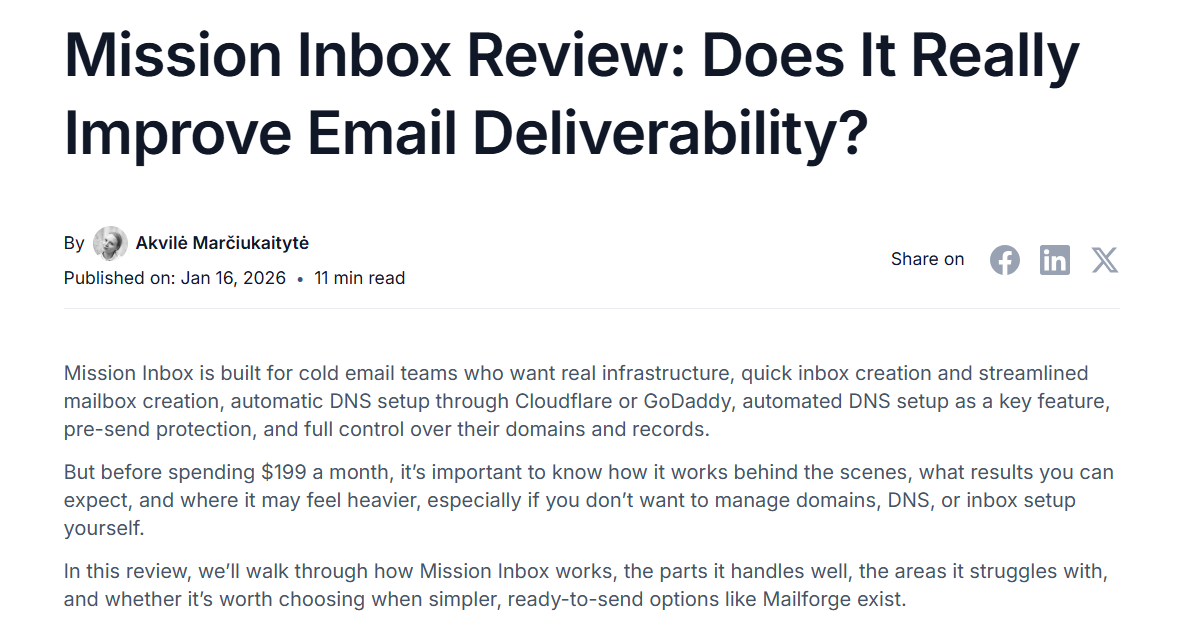
In January 2026, Mailforge published a review of Mission Inbox on their blog. They were fair about certain things. They acknowledged our strong deliverability, real infrastructure, and DNS automation. They positioned themselves as the easier option.
Mailforge reviewed us in January 2026. They were fair about some things. Here is what they left out Infrastructure with Shared IP set UP. Their words, not ours.
What they did not mention: the fundamental architecture difference between their platform and ours. And that difference is the single most important factor in whether your cold email campaigns succeed at scale or collapse under shared IP risk.
Here is what their review left out, why it matters, and what you should know before choosing between the two.
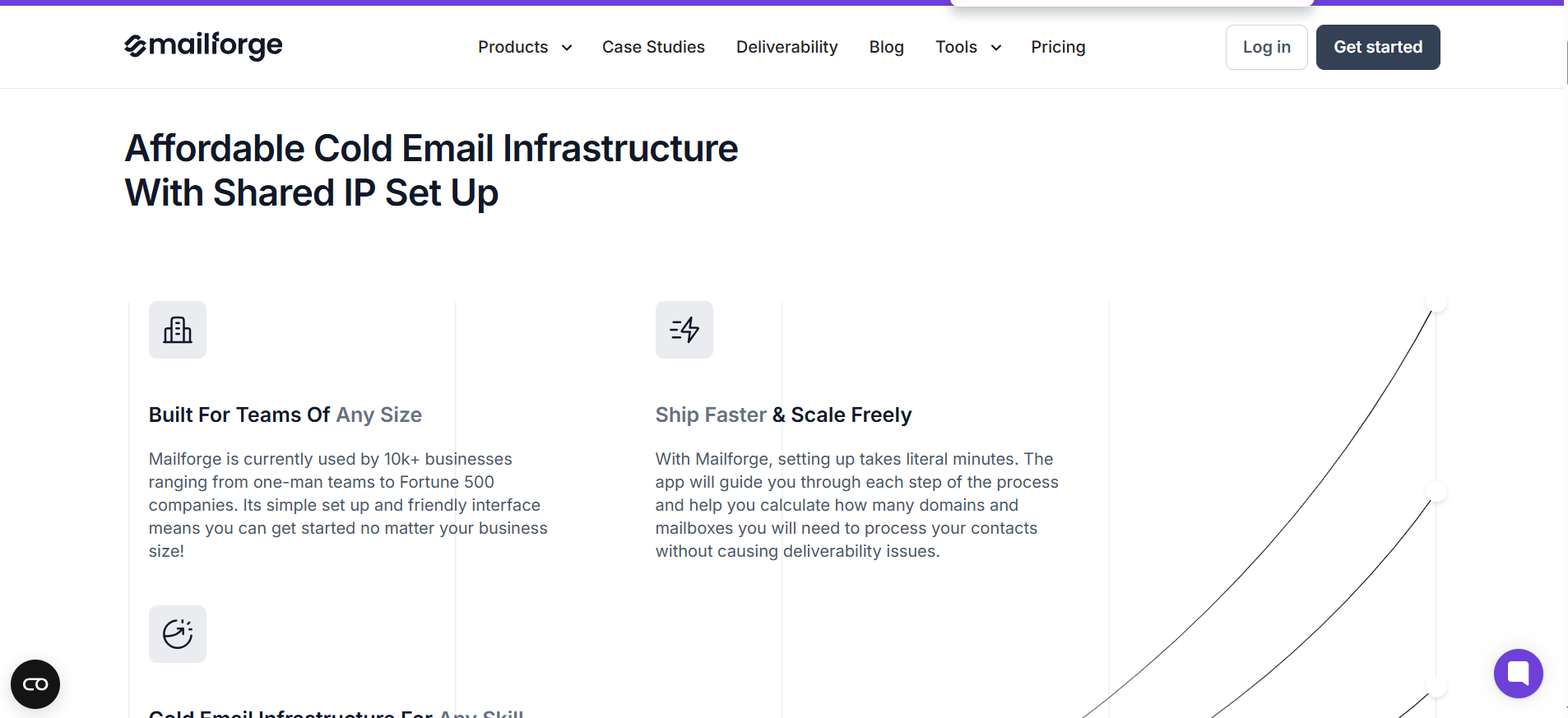
This is not hidden information. It is on their homepage. Mailforge uses a shared IP pool, and your emails share reputation with every other sender on that pool. When the pool is healthy, deliverability works. When another sender on the pool triggers a blacklist, complaint spike, or Microsoft flag, your emails pay the price alongside theirs.
Mission Inbox does not use shared IPs. Every customer gets dedicated IPs. Your sending reputation belongs to you alone. No other sender can affect it. That is not a feature difference. It is an architecture difference. And for agencies managing client campaigns, financial services sending at volume, and SaaS platforms building email into their product, it is the decision that determines whether your infrastructure scales or breaks.
Mailforge vs. Mission Inbox at a Glance
→ Start Sending with Mission Inbox | Book a 45-Min Walkthrough
What Mailforge Does Well (Being Honest)
Before explaining why we built Mission Inbox differently, Mailforge deserves credit where it is earned.
Setup is fast. You can buy domains and create mailboxes inside the platform in minutes. DNS records configure automatically. For someone who wants to start sending quickly without managing infrastructure, the onboarding is smooth.
Domain buying is built in. You do not need GoDaddy or Namecheap as a separate step. Domains are purchased directly inside Mailforge, reducing the number of tools involved.
It integrates with the Salesforge ecosystem. If you already use Salesforge for sequences or Warmforge for warm-up, everything connects natively.
The price point is accessible. For solo founders and small teams starting cold outreach, the entry cost is low.
For someone sending their first few hundred cold emails per month from a handful of mailboxes, Mailforge works. The question is not whether it works at low volume. The question is what happens when volume grows, when you manage multiple clients, or when one campaign goes wrong.
The Core Problem: What Shared Infrastructure Means at Scale
Mailforge describes their architecture clearly on their own website:
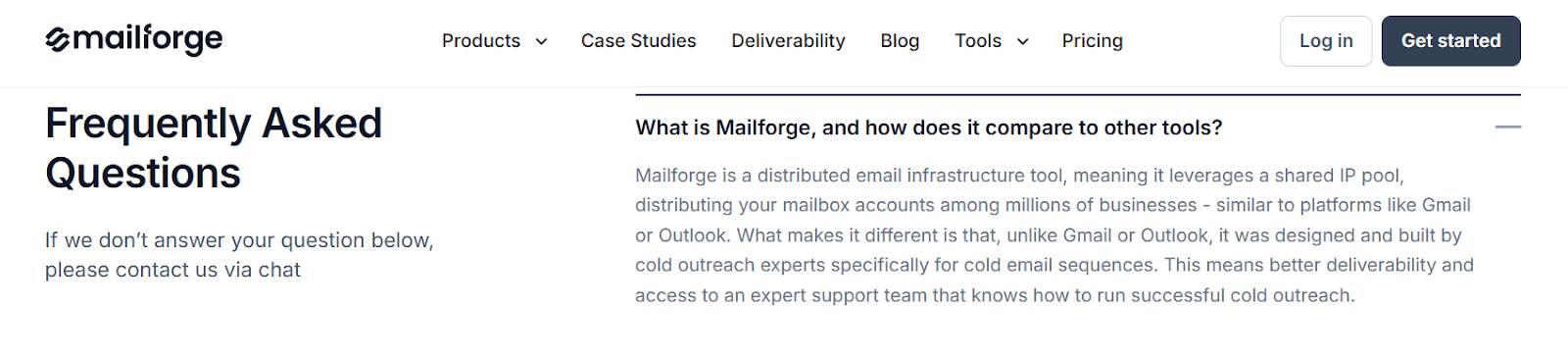
"Mailforge is a distributed email infrastructure tool, meaning it leverages a shared IP pool, distributing your mailbox accounts among millions of businesses."
This is an honest description of how shared infrastructure works. Your emails go out from IPs that are shared with other Mailforge users. When every sender on the pool behaves responsibly, deliverability holds. But shared pools carry a structural vulnerability that no amount of monitoring eliminates.
One Sender Affects Everyone
If another Mailforge user on your IP pool sends harmful content, triggers a blacklist, or gets flagged by Microsoft, your deliverability drops alongside theirs. Your content could be perfect. Your lists could be clean. Your authentication could be flawless. None of it protects you from what someone else on your pool does.
This is the same fundamental problem that drives teams away from SendGrid. The brand name is different, but the architecture is the same: shared IPs mean shared risk.
Agencies Face the Sharpest Version of This Problem
If you manage campaigns for multiple clients, every client's sending runs through the same shared pool. One client runs an aggressive campaign. Reply rates drop across all your other clients. You have no way to isolate them from each other at the infrastructure level because the infrastructure does not support isolation. It was not built for it.
No Pre-Send Protection Means You Find Out After the Damage
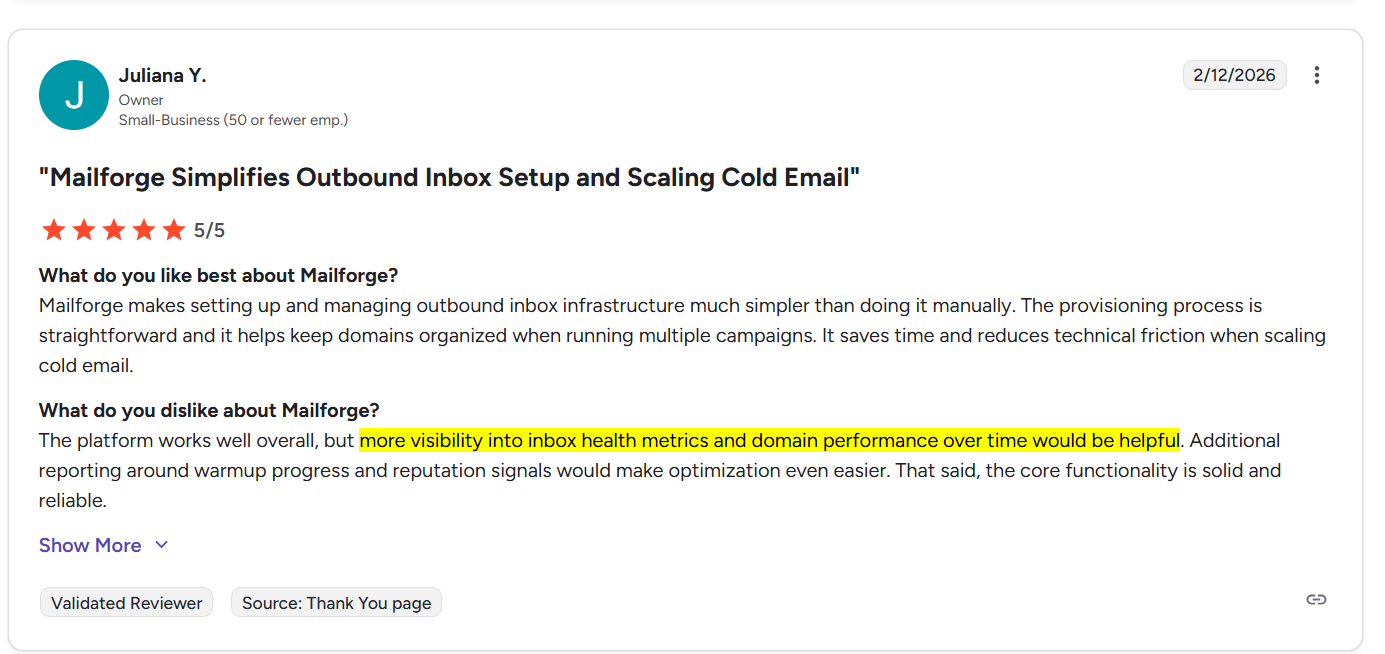
Mailforge has no content scanning before emails leave the server. Whatever you queue goes out. If a team member sends content with risky patterns, aggressive language, or links that trigger filters, the email sends, the filters catch it, and your domain reputation takes the hit.
You discover the problem 24 to 72 hours later when your reply rates start declining. By that point, the damage is compounding.
Microsoft/Outlook Is Where Shared Pools Break First
Microsoft's SmartScreen filter is particularly aggressive toward email from shared IP pools. When any sender on a shared pool triggers Microsoft's filtering, the entire pool's reputation drops with it. For B2B sales teams where prospects use Outlook, this is the most common deliverability problem. Shared infrastructure is the root cause.
How Mission Inbox's Architecture Is Fundamentally Different
Isolated Cubes: No Shared Anything
Mission Inbox does not distribute your emails across a shared pool. Every email workload gets its own dedicated server environment called an Isolated Cube.
Sales outreach runs on completely separate infrastructure from marketing campaigns. Marketing runs separately from transactional. Transactional runs separately from financial. Each workload has its own dedicated IPs and its own reputation.
For agencies, this means each client can run in their own Cube. One client's aggressive campaign literally cannot touch another client's deliverability. The damage radius is contained by architecture, not by monitoring after the fact.
Subdomain Isolation: The Feature No Other Provider Offers
Beyond Cubes, Mission Inbox offers true subdomain isolation at the IP level. You can send from subdomains that leverage your root domain's established reputation while keeping all risk completely contained.
One financial services client sends 120,000 emails per day from subdomains with zero reputation damage to their root domain. If any subdomain encounters issues, the root domain and every other subdomain remain completely unaffected.
No other email infrastructure provider offers this. Not Mailforge. Not SendGrid. Not Mailgun. This is architectural protection built into the infrastructure itself.
MI Shield: AI Protection Before the Email Leaves
MI Shield scans every outbound email before it enters the sending queue. Content structure, link safety, wording patterns, DNS configuration. All checked in real time. If anything could trigger filters or damage your domain reputation, the email is blocked before it sends.
The scenario it prevents: one SDR sends content that trips Microsoft's filters, and the entire domain's reputation drops over the following 72 hours. With MI Shield, that send never happens. The domain stays clean.
Mailforge has no equivalent. Your emails go out unchecked.
Blacklist Monitoring Every 7 Minutes With Automatic Failover
Mission Inbox checks for blacklists automatically every 7 minutes across 90+ sources. If an IP gets flagged, it is removed from rotation instantly. Other IPs continue sending without interruption. No support ticket. No waiting. Zero downtime.
On shared infrastructure, blacklist management is the platform's responsibility and there is always a gap between when the problem occurs and when it is resolved. During that gap, your emails fail. Mission Inbox eliminates the gap entirely.
Superior Microsoft/Outlook Delivery
Where shared infrastructure is weakest, Microsoft's aggressive filtering, Mission Inbox's isolated architecture is strongest. Dedicated IPs with established reputation deliver consistently to Outlook, Hotmail, and Live.com addresses, including enterprise environments behind Proofpoint and Barracuda.
For B2B teams prospecting into enterprise accounts, this is often the single biggest improvement after switching from shared to isolated infrastructure.
OBM Engine API: Built for Platforms
If you are a SaaS company building email sending into your product, Mailforge was not designed for that use case. Mission Inbox's OBM Engine provides a white-label email infrastructure API with sub-50ms latency, isolated sending per customer, automated domain management via API, and full developer documentation.
Several SaaS platforms use it to power native email features without building a mail transfer agent from scratch. One team manages 3,000 active sending domains from a single API integration.
You Own Everything
On Mailforge, you buy domains through their platform. They manage the relationship with the registrar.
On Mission Inbox, you bring your own domains. You own them. If you ever leave Mission Inbox, your domains, DNS records, IPs, and sending data come with you. Zero lock-in. Full portability.
→ Start Sending with Mission Inbox | Book a 45-Min Walkthrough
What Customers Experience After Switching to Isolated Infrastructure
The shift from shared to isolated infrastructure produces measurable results, often with the same email copy and the same prospect lists. The only variable that changes is the infrastructure underneath.
Documented migration result:
- Before (shared infrastructure): 1.2% reply rate. Meetings barely coming in.
- After (Mission Inbox): 4.8% reply rate. Meetings booked daily.
- Same copy. Same list. Same sequences. Only the infrastructure changed.
"Mission Inbox deliverability is now neck and neck with G-suite and Microsoft infra, and in our case, 2x better."Ali Syed, Mission Inbox customer
"Deliverability used to be my number one problem. Now it is like 2009-2012 again. Just bogged down with unlimited leads and meetings."Dmitriy Katsel, Mission Inbox customer
Who Should Choose Mailforge (Honestly)
Mailforge is a reasonable choice for specific situations:
- You are a solo founder or small team just starting cold outreach at low volume
- You want to buy domains and create mailboxes in one platform with minimal setup
- You send moderate volume and do not need workload isolation between campaigns
- You are already in the Salesforge ecosystem and want everything connected
- You are comfortable with shared IP architecture and understand the risk
- You do not manage multiple client campaigns that need to be isolated from each other
- You do not send significant volume to Microsoft/Outlook enterprise addresses
Who Should Choose Mission Inbox
Mission Inbox was built for teams where deliverability is directly tied to revenue:
- Agencies managing multiple client campaigns who need infrastructure-level client isolation. One client's bad campaign cannot touch another client's deliverability.
- Financial services companies where regulatory email delivery cannot share infrastructure with cold outreach. Compliance emails and sales emails stay completely separate.
- B2B sales teams sending to Microsoft/Outlook enterprise addresses at volume. Dedicated IPs with established reputation deliver through Proofpoint and Barracuda where shared pools get blocked.
- SaaS platforms that need white-label email infrastructure via API. OBM Engine provides sub-50ms latency with isolated sending per customer.
- High-volume senders who need subdomain isolation to scale without risking their root domain. Send 120,000+ emails per day with zero root domain damage.
- Any team that has experienced shared IP issues, blacklist contamination, or unexplained deliverability drops and wants infrastructure they fully own and control.
- Teams using Instantly, Smartlead, or other sequencers who want the best possible delivery layer underneath their existing workflow.
See Mission Inbox in Action
Watch a complete platform walkthrough: Isolated Cubes, MI Shield, dedicated IPs, subdomain isolation, and how it connects to your existing sequencer.
Watch the Mission Inbox Platform Demo
Frequently Asked Questions
What is the main difference between Mailforge and Mission Inbox?
Mailforge uses a distributed shared IP pool where your emails share IPs with other users. Their own website describes this as "distributing your mailbox accounts among millions of businesses." Mission Inbox provides isolated servers with dedicated IPs per customer. Your sending reputation is exclusively yours and cannot be affected by other senders. Mission Inbox also includes MI Shield AI pre-send protection, subdomain isolation, and automatic blacklist failover. None of which Mailforge offers.
Does Mailforge use shared IPs?
Yes. Mailforge states on their homepage that they use "a shared IP pool, distributing your mailbox accounts among millions of businesses." There is no option for dedicated IPs on Mailforge. Mission Inbox includes dedicated IPs with every plan.
What are Isolated Cubes?
Isolated Cubes are Mission Inbox's architecture for separating email workloads at the server level. Each workload runs in its own isolated server environment with its own dedicated IPs. For agencies, each client can run in their own Cube. One client's campaign cannot affect another's deliverability. This level of isolation is not available on shared infrastructure platforms like Mailforge.
Can I use Mission Inbox with Instantly?
Yes. Mission Inbox provides the SMTP infrastructure underneath your existing sequencer. You keep Instantly for writing and scheduling sequences. Mission Inbox handles the delivery through isolated servers with dedicated IPs. Mission Inbox also supports Smartlead, Emailbison, Woodpecker, and Reply.
Does Mailforge offer subdomain isolation?
No. Mailforge does not offer subdomain isolation. Mission Inbox is the only cold email infrastructure provider offering true subdomain isolation at the IP level, where different email workloads send from separate subdomains on separate IPs, each leveraging root domain reputation while keeping all risk completely contained.
What is MI Shield?
MI Shield is an AI-powered firewall that scans every outbound email before it leaves the server. It checks content structure, link safety, wording patterns, and DNS configuration in real time. If anything could trigger filters or damage your domain reputation, the email is blocked before it sends. Mailforge does not have any form of pre-send content protection. Emails go out unchecked.
Which is better for agencies managing multiple clients?
For agencies, Mission Inbox provides infrastructure-level client isolation through Isolated Cubes. Each client's campaigns run in their own server environment with their own dedicated IPs. One client's campaign cannot affect any other client. On Mailforge, all client campaigns share the same IP pool. One client's bad campaign can impact deliverability for every other client the agency manages.
Is Mission Inbox harder to set up than Mailforge?
Mission Inbox auto-configures DNS through Cloudflare, GoDaddy, and Spaceship. Setup takes minutes. The main difference is that you bring your own domains rather than buying through the platform. This means you own your domains completely and can take them with you if you ever switch providers. Full portability, zero lock-in.
Which is better for Microsoft/Outlook delivery?
Mission Inbox's dedicated IP architecture provides superior deliverability to Microsoft and Outlook addresses, including enterprise environments behind Proofpoint and Barracuda security gateways. Microsoft's SmartScreen filter is particularly aggressive toward email from shared IP pools. Shared infrastructure is the most vulnerable architecture for Microsoft delivery, and Mailforge uses shared infrastructure.
Ready to Own Your Email Infrastructure?
Stop sharing IPs with millions of other senders. Stop hoping another sender's behavior does not affect yours. Start sending on infrastructure built to protect your reputation at every level.