


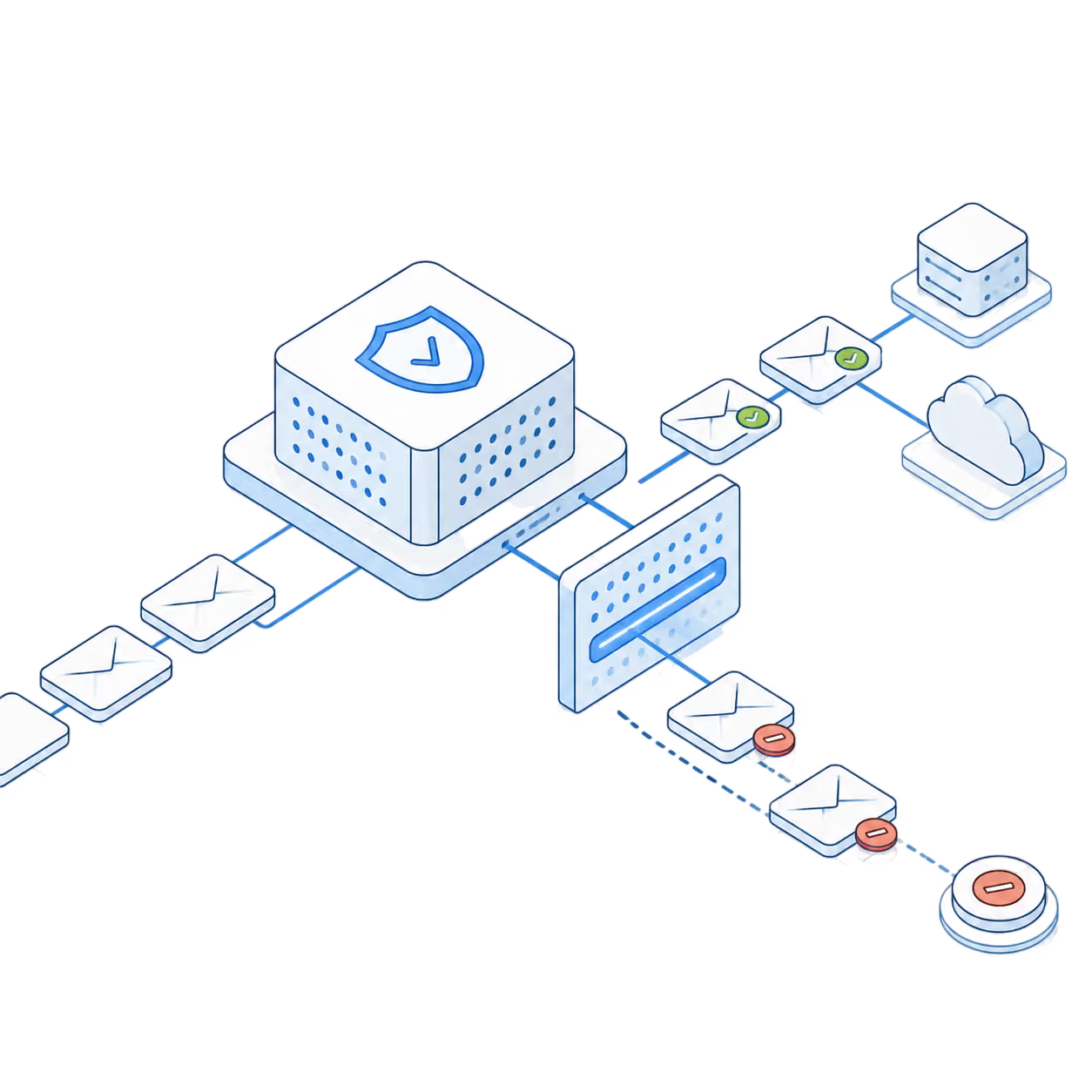






Email infrastructure for every workload

The infrastructure behind every email your business sends.

Mission Inbox gives sales and marketing teams the sending infrastructure behind high-volume campaigns, while developers use the same platform to send email from their products. Keep every workload separate, protected and under control.

Thank you! Your submission has been received!
Oops! Something went wrong while submitting the form.

Trusted by teams sending 50M+ emails per month

"Super happy with the results. I'm seeing a 33% reply rate with over 54% positive replies on one campaign, and 74% open rates with zero bounces"

Sary Jalkh

Growth Lead

50M+

Monthly Emails

98%

Inbox Rate

8

Redundancy layers

3

Assets Managed

Choose how you send

One email infrastructure.
Two ways to use it.

Same infrastructure. Two ways to send. Use Mission Inbox beneath the campaign tools your team already uses. If you’re a developer, connect your own systems directly through API and SMTP.
Outbound Email Infrastructure
Developer Email Infrastructure

Outbound Email Infrastructure

Run campaigns through infrastructure built for outbound. Connect your CRM, sequencer or campaign tool to Mission Inbox mailboxes and sending environments. Keep the workflow your team already uses while improving the infrastructure underneath it.

SMTP mailboxes for campaign sending

Connect the tools your team already uses to run outbound.

Dedicated sending environments & Domains

Give campaigns the setup they need without relying on generic mailbox limits.

Works with your existing sequencer and CRM

Keep agency clients, teams and campaigns from affecting each other.

Outbound Email Infrastructure
Developer Email Infrastructure

Email for Developers

Send email from your product without building the sending layer yourself. Connect your application through the Mission Inbox Email API or SMTP. Send transactional, product and programmatic email while Mission Inbox handles the infrastructure behind delivery.

API and SMTP sending

Connect your application directly to Mission Inbox.

Product and transactional email

Send password resets, invoices, alerts, onboarding emails and notifications.

Webhooks, delivery events and message logs

See what happened after every send and send that data back into your product.

Field of pink and orange flowers with grass under a clear sky and mountain silhouette in the background at sunset.
Isolated Sending Infrastructure

Your sending infrastructure should not depend on someone else’s reputation.

Sales outreach, marketing campaigns and product email should not all depend on the same sending environment. Mission Inbox separates workloads so a problem in one stream does not put another at risk.
Dedicated email infrastructure isolating business mailboxes from shared sending environments

You're not sharing with anyone. Ever.

Dedicated IPs and isolated sending environments so your inbox placement is not affected by crowded shared pools where you have no control over who you are sharing a reputation with.
Business email infrastructure owned and controlled directly by the sender

You own it. Nobody can take it away.

Mission Inbox owns the infrastructure your emails run through. No middlemen or resellers controlling your limits, your reputation or your data.
High-volume emails flowing through dedicated infrastructure with delivery monitoring
Send at volume without limits or consequences
Built for high volume. No throttling, no flags, no blacklists for sending the volume your business actually needs.
Shared email infrastructure showing one sender damaging the reputation of connected mailboxes
Someone else's spam problem just became yours
Many email providers place senders in shared IP pools by default. When another sender damages the reputation of that pool, your inbox placement can suffer too, even when your own sending is clean.
Google and Microsoft email accounts disconnected after a third-party reseller shutdown
One shutdown away from losing everything
Cheap resellers are just middlemen between you and Google or Microsoft. When they get shut down or blocked, your sending goes with them overnight. You are not buying infrastructure. You are renting someone else's risk.
Google and Outlook restricting high-volume email sends through standard business accounts
Google and Outlook don't want you sending at volume
Google and Outlook have entire teams dedicated to stopping high-volume sending. Push past their limits and they will flag, throttle and blacklist you.
Built for how you actually send

Infrastructure for every team sending at scale.

Sales icon

Sales Teams

Run cold outreach through dedicated mailboxes and infrastructure built for volume.

Agencies

Manage client sending environments without mixing every client into the same reputation pool.

marketing Icon

Marketing Teams

Keep promotional campaigns separate from sales and product email.

Recruiters

Run high-volume candidate outreach without burning a domain.

RevOps & GTM Teams

Coordinate outbound sending across multiple tools and reps from one place.

Founders & BD

Run your own outbound before there's a dedicated sales or marketing hire.

Transactional Email

Password resets, login codes, invoices, receipts and account alerts.

Product Notifications

Onboarding, in-app triggered updates and status changes.

Platforms & Marketplaces

Multi-tenant apps sending email on behalf of their own users.

AI Agents & Automations

Agents and workflows sending programmatically, with no human in the loop.

Internal Tools & Ops

Scripts, monitoring alerts and internal reporting email.

Product-Led Growth

Lifecycle and activation email triggered from inside the app itself.

Connect without rebuilding your workflow

Integrations

Keep your mailbox. Upgrade the infrastructure behind it.

Continue using the mailbox, CRM, sequencer or product your team already knows. Mission Inbox just becomes the infrastructure behind it.

View Integrations

Build email into your product. Skip the infrastructure.

Use Mission Inbox APIs, SDKs and webhooks to create inboxes, send email, receive replies and trigger workflows from your existing stack.
The Mission Inbox infrastructure

Three Layers. Zero Compromise.

The Cubes

Your Own Server. Not a Slice of Someone Else's.

Send through isolated server instances and dedicated IPs instead of sharing reputation with unknown senders. Sales, marketing, transactional and financial email stay separate. Scale from 10k to 50M sends without touching anyone else's reputation.

Dedicated IPs and server instances
Separate Cubes for each sending workload
Scale from 10K to 50M+ monthly emails

MI Shieldβ„’

Every Email Checked Before It Leaves.

‍MI Shield checks content, headers, DNS and spam signals before sending. Risky emails are identified before they can damage your domain or sending reputation.

Real-time content analysis
Spam pattern and anomaly detection
Header and DNS validation

API, SMTP and Intergrations

Connect without rebuilding your workflow

Send through a REST API, drop in SMTP credentials, or connect the tools you already use. Most teams are sending within an hour and nothing about how you work has to change.

RESTful API with SDKs across six languages
Plug-and-play SMTP connection
Real-time webhooks and delivery events
Platform View

A look inside Mission Inbox

Comparison

How Mission Inbox Stacks Up

Feature
Cold email friendly
Dedicated IPs included
Isolated servers
Mailbox provisioning
Pre-send quality check
Deliverability insights
Warm-up support
API access
3-continent failover
Under 5-min setup
Mission Inbox
Google Workspace text logo with multicolored Google and gray Workspace lettering.
Mailforge
Mailreef
Maildoso
Feature
Built for transactional and product email
API and SMTP sending
Delivery webhooks
Message logs and delivery events
Dedicated IPs without an add-on
Workload isolation
Pre-send checks before email leaves
Deliverability insights
Managed IP warm-up
3-continent failover
Mission Inbox
Resend
SendGrid
Mailgun
~ Available on selected plans or with additional setup.
Pricing

Send with total confidence, at any volume

Lite

For individuals and small teams that need reliable mailboxes and dedicated sending infrastructure.

$50
/ Month
Start Sending

15 mailboxes included

5,000 sends per month

Dedicated IP addresses

MI Shieldβ„’ protection

Analytics and sending logs

Overage - Pause account and Upgrade

For Additional mailboxes and sending volume user must upgrade

Pro

For platforms and enterprises sending high-volume email directly through our API.

5 Domains Included

100K sends per month

Dedicated IP addresses

MI Shieldβ„’ protection

Send, receive and track delivery status

Additional domains: $2 per domain

Additional emails: $1 per 1000 sends

Testimonials

We always deliver

Teams that rely on email, run on Mission Inbox. See what changed after they moved away from shared sending infrastructure.

Everything You Need to Know Before You Send

Clear answers on setup, infrastructure and how Mission Inbox fits into your existing workflow.

Contact Us
What is Mission Inbox?
Does Mission Inbox replace Google Workspace or Microsoft 365?
Is Mission Inbox a sequencer?
Who is Mission Inbox built for?
What types of email can I send?
What are Isolated Cubes?
What is MI Shieldβ„’?
Do I get dedicated IPs?
Can I see what happens after emails are sent?
What happens if one route has an issue?
How fast can I get set up?
Can I keep using my existing tools?
Where do replies go?
Can I test Mission Inbox before connecting my own setup?
When can I send live email?

Send at volume with Mission Inbox

Stop relying on shared infrastructure that you don't control. Mission Inbox gives you dedicated servers, dedicated IPs, and full ownership of your sending reputation.

Thank you! Your submission has been received!
Oops! Something went wrong while submitting the form.