
.svg)
Connect through API, SMTP or your existing tools.
Send through a REST API, drop in SMTP credentials, or connect the tools you already use. Most teams are sending within an hour and nothing about how you work has to change.
Whatever your stack looks like, there's a way in.
SDKs across six languages
Send, track and manage email straight from your codebase. The Mission Inbox API is RESTful and documented, with official SDKs so your team isn't writing raw HTTP calls.


Connect your existing tool in minutes
No API integration required. Point any SMTP-compatible sequencer, CRM or application at Mission Inbox and start sending through your Cube immediately.
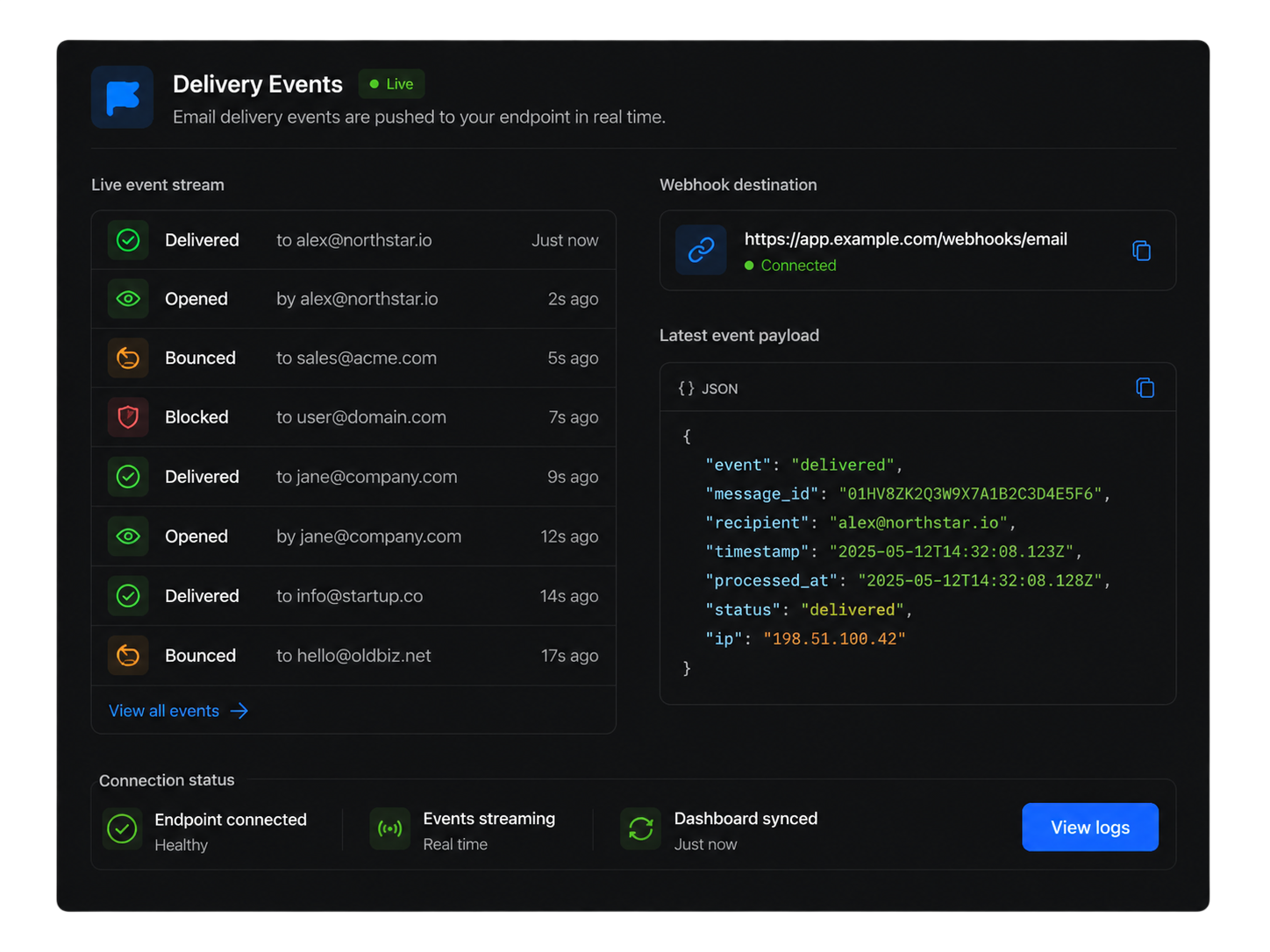
Know what happened, as it happens
Delivered, bounced, opened and blocked events are pushed to your endpoint in real time, so your product or dashboard always reflects what's actually happening to your email.
API, SMTP & Integrations FAQs

Connect however your stack already works.
API, SMTP or both. Same infrastructure, same protection, underneath either one.



© 2026 Mission Inbox Inc, All Rights Reserved | Property of Mission Inbox Inc
.svg)